An introduction to Insaplan
What Insaplan is for, the five stages it is built around, and where to begin.
Insaplan is a planning application for organizations that need their plans to stay current as the work proceeds. It suits commercial companies, startups, government agencies and charities alike, and it is built to serve a small business and a large one equally well.
The work it supports
Insaplan is designed for planning activities, in particular strategic planning. Organizations use it for diverse applications such as strategic plans, project plans, sales plans, and marketing and commercial plans.
It is most valuable where planning is a process rather than a document: where you gather evidence, weigh options, commit to a course, deliver it, and then review what happened.
The five stages
Insaplan is structured around a five-stage planning cycle.
| Stage | What you do |
|---|---|
| Insights | Gather the evidence the plan will rest on |
| Ideation | Evaluate the options open to you |
| Planning | Commit to a course of action and set it out |
| Delivery | Carry out the plan and track its progress |
| Review | Report on the outcome, and learn from it |
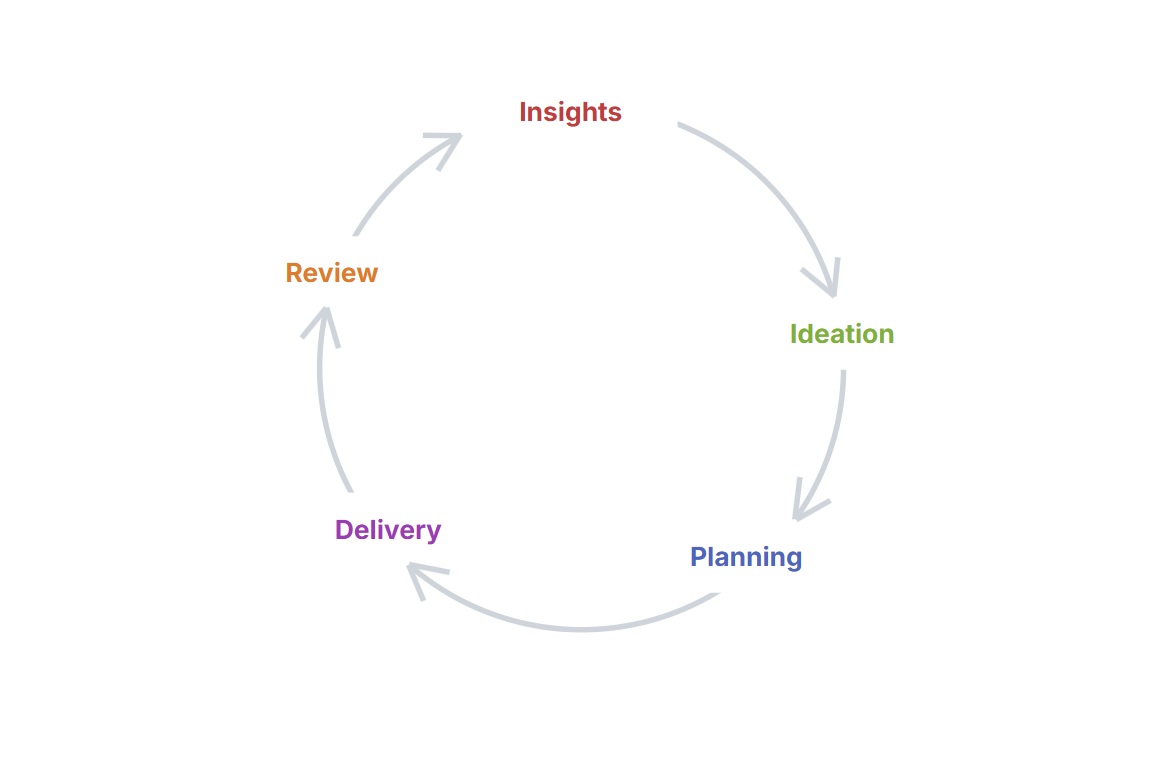
A market entry decision runs through all five: research into the territory, a comparison of the routes in, a plan built around the route chosen, the work of opening the market, and a review of how the forecast compared with the result.
You are not obliged to use every stage. A team running a quarterly delivery plan may work almost entirely in Planning and Delivery, while a strategy team may spend most of its time in Insights and Ideation. Use the stages your work calls for.
What supports the cycle
Four capabilities run across all five stages, available to every plan regardless of which stages it uses.
The knowledge base
The knowledge base holds your organization's insights, captured as people work rather than written up afterwards. An insight recorded during one project is available to every plan that follows, so a second market entry begins with what the first one established.
The AI assistant
The assistant answers questions about the material in your knowledge base and summarizes what it finds. It is there for the moment you suspect your organization already knows something but cannot recall where it was recorded.
Linking plans
A plan can support another, so a delivery plan can show which strategic objective it exists to serve. Drag a connection between them in the Plans view to create the link.
Templates
Every plan, element and data block follows a template that sets out its structure. Insaplan provides templates ready to use, and organizations on a subscription that includes template creation can build their own in the Builder.
Where to go next
- Understanding the Insaplan structure — how projects, plans and elements fit together
- Creating your first project — set one up from start to finish